
How to Manage Vosko Account
Welcome to Vosko. This guide explains how to create your workspace, manage your login credentials, and process account deletion if needed.
How to Register an Account
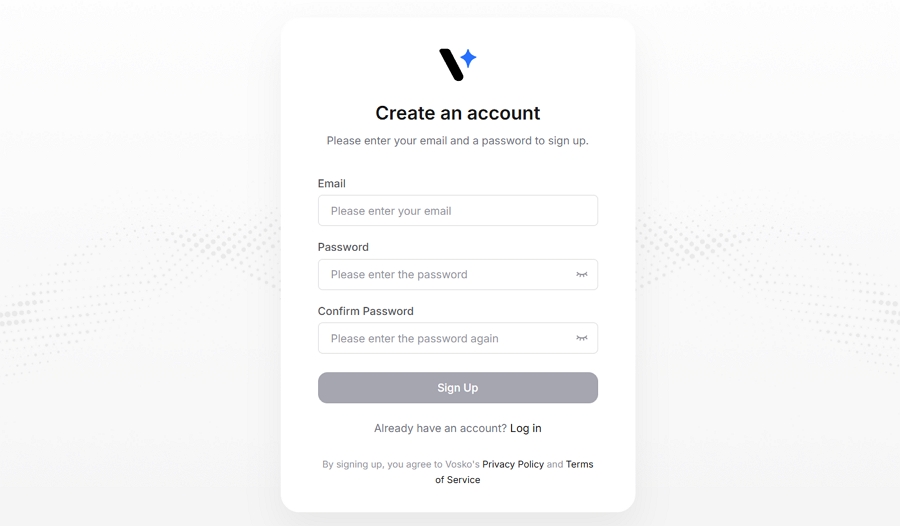
Creating an account takes just a few seconds.
- Click the Sign Up button on our homepage.
- Enter a valid email address (a work email is highly recommended) and create a secure password.
- Check your inbox for a verification email from us.
- Click the verification link to activate your account and instantly access your dashboard.
Note: To protect your proprietary media and data, we highly recommend using a strong, unique password and keeping your login details strictly confidential.
How to Log Into Your Workspace
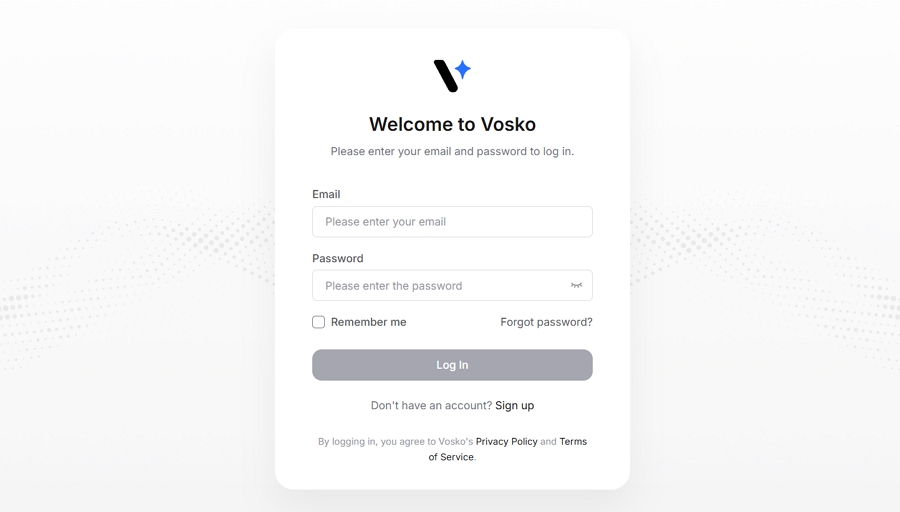
- Click Log In on the homepage.
- Enter your registered email and password to access your projects.
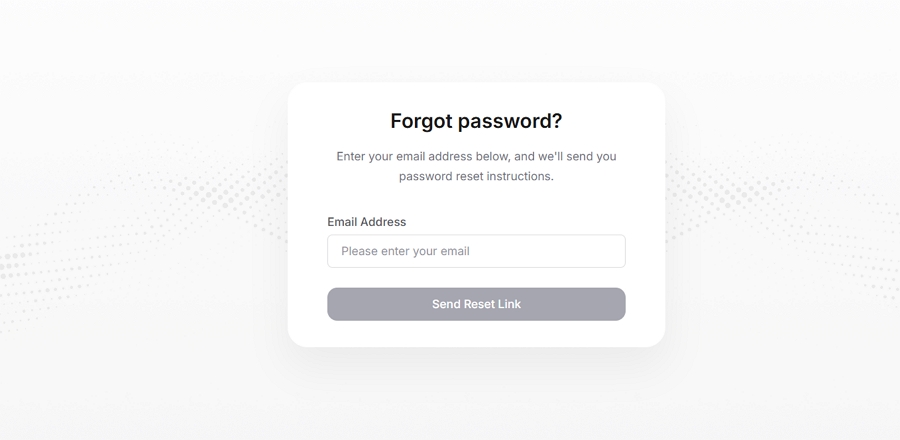
If you forget your password, simply click the Forgot Password? link on the login page. Enter your registered email address, and we will send you a secure link to reset your password and instantly regain access to your account.
How to Delete Your Account
If you no longer wish to use our services, you can permanently delete your account directly from your workspace:
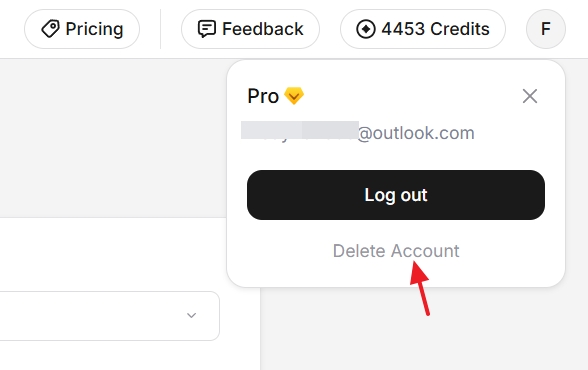
- Log in to your dashboard and navigate to Account Settings.
- Scroll to the bottom of the page and click Delete Account.
- Follow the on-screen prompts to confirm your decision.
Please be aware that account deletion is permanent and irreversible. Once confirmed:
- All your uploaded videos, generated audio, scripts, and project files will be instantly and permanently erased from our servers.
- Any active subscriptions will be immediately canceled.
- All remaining credits will be forfeited, and no refunds will be issued for unused credits.