






Translate Subtitles Into 94 Languages
Turn your video's dialogue into subtitles in 94 languages. Translations follow meaning and local phrasing, not word-for-word order, so they read naturally to viewers in each market.

Translate video subtitles into 94 languages, synced to the speech automatically. Remove old burned-in subtitles and export in minutes.

Turn your video's dialogue into subtitles in 94 languages. Translations follow meaning and local phrasing, not word-for-word order, so they read naturally to viewers in each market.
Vosko times every translated line to the speech, so subtitles appear on screen as each line is spoken. No manual timecoding needed. Preview the result on your video right away, then fine-tune any line in the editor.
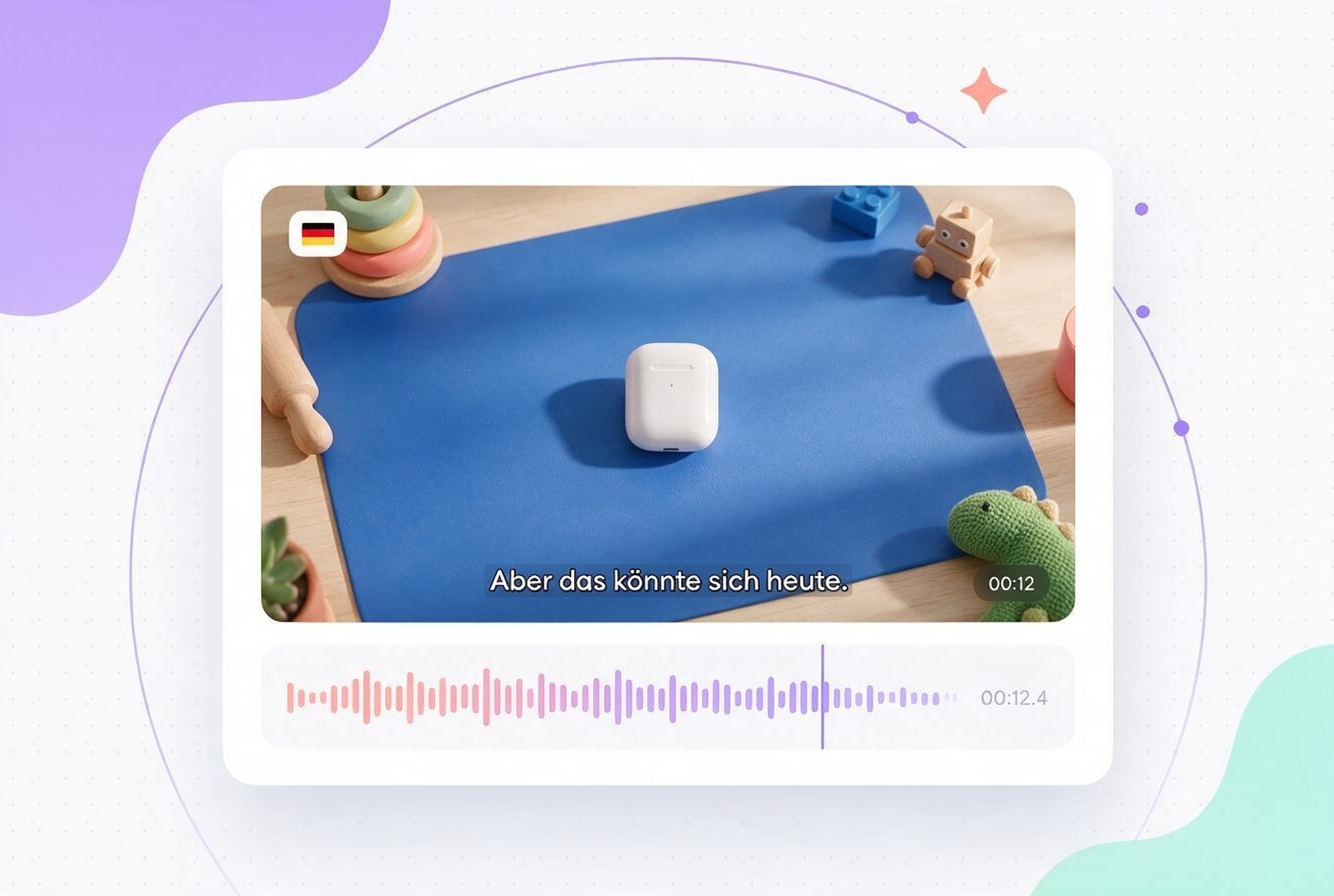
Vosko detects subtitles already burned into your video, erases them, and rebuilds the background behind them. Add your translated subtitles in their place, without blur boxes or black bars.

Upload a batch of up to 150 videos (up to 6 minutes each) and translate them in one go. Spend less time uploading and more time publishing.

Jump to any timecode, edit the translation, split long lines, merge short ones, and add new lines. Adjust the font, size, color, and position to match your brand.

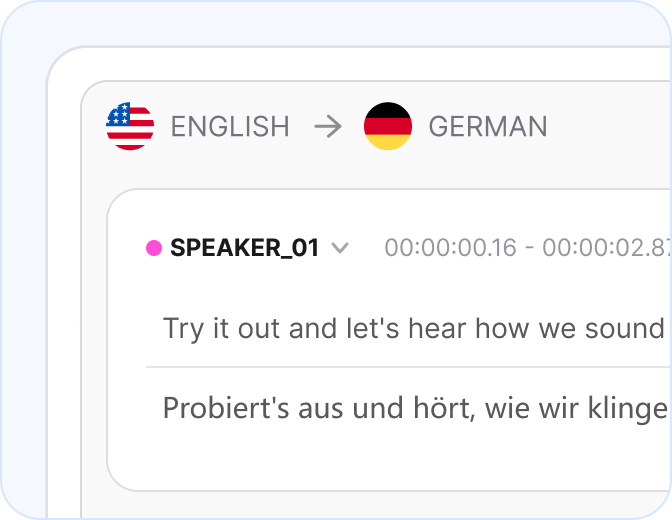
Drag and drop a video or audio file and choose your target languages. Vosko transcribes the speech automatically.

Watch the translated subtitles on your video, synced to the speech. Edit any line, split or merge lines, and adjust timing if needed.
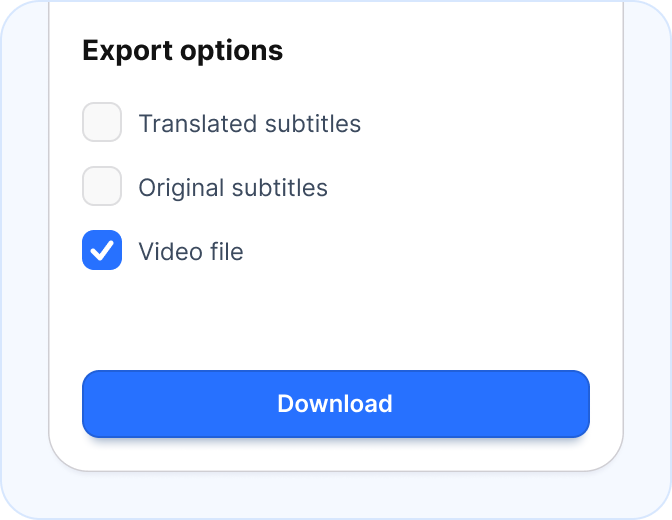
Download the video with subtitles burned in, or export a standalone SRT subtitle file for your editor or platform.
Add translated speech to the same project, without starting over.
Get a finished video in one pass: the speaker's voice in the target language, translated subtitles, and burned-in subtitle removal.

Replace the dialogue with a dub that keeps each speaker's voice and emotion, while the background music stays in the mix.

See what AI reviewers and directories say about Vosko, and read the full write-ups on their sites.

"Vosko AI is one of the smartest picks for video localization in 2026."

"…voice timbre + emotion + pacing controls designed to sound natural rather than robotic."

"The FileHorse review team recommends Vosko AI … for users who regularly need multilingual video versions without building a traditional dubbing workflow."
"It offers the capability to translate videos into a variety of languages while maintaining the original voice, emotion, and background audio."
Featured In Global Tech Outlets


Reach audiences on TikTok, Instagram, Facebook, and more in their native language. Translate and export short-form videos with captions ready for every platform.

Launch global ad campaigns without hiring local agencies. Convert promotional videos into multiple languages instantly to drive conversions in international markets.

Make your educational video accessible to students worldwide. Localize complex tutorials and online courses with highly accurate subtitles that preserve academic and technical concepts.

Standardize internal onboarding across global companies. Ensure every employee understands safety protocols and company updates by providing training videos in their native language.
Translate your video subtitles into 94 languages in minutes, synced to the speech and ready to publish.


