


Your own voice, in English
Each speaker's own voice carries into English with their pitch, emotion and pauses intact, so the dub sounds like the person on screen, not a stock narrator.

Turn one Arabic upload into an English dub in each speaker's own voice, with the music and background sound kept, plus English subtitles.
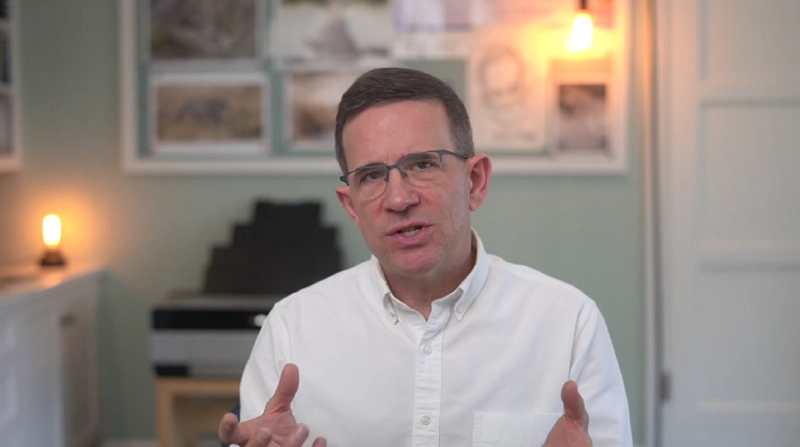
One trainer, one marketing lesson, now in English. Play the Arabic original, then the English dub: the same voice, energy and pacing, with every key term landing clearly.
 Arabic
 English
Arabic speakers should come across in English as themselves. These six capabilities work together on every Arabic video you upload, from a two-minute clip to a full broadcast.
Each speaker's own voice carries into English with their pitch, emotion and pauses intact, so the dub sounds like the person on screen, not a stock narrator.
Interviews and panels are split by voice. Each person gets an English dub in their own voice, and overlapping lines are separated before they are translated.

Music, studio stings and street noise are lifted off the dialogue first. Only the speech becomes English, and the background track can be exported alone.

Pick Subtitles only to keep the Arabic audio, or add English captions to a dub. Set the font, color and position, or download a separate subtitle file.

See each Arabic line beside its English version. Re-translate, rewrite, merge or split segments, re-dub only what changed, and fix names with Word Replace.
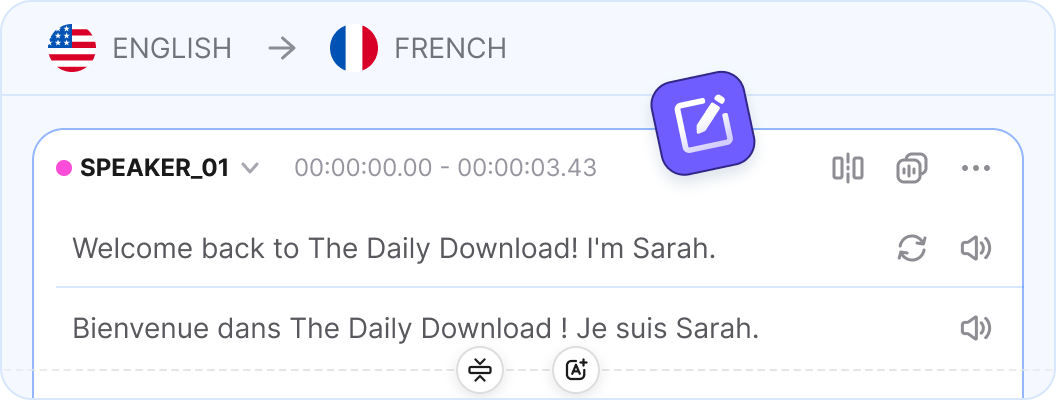
Upload up to 200 minutes in one file, or batch short clips on Pro. Each task can output up to 8 of 94 target languages, so French and Spanish come along too.

Vosko gives you a voice-preserving English dub and English subtitles from the same Arabic project, so you can release one or both without starting over.
| What to Compare | English Subtitles | English Dub | Both With Vosko |
|---|---|---|---|
| Translation mode | Subtitles only, Arabic audio kept | Original voice dubbing & subtitles | Either mode from the same Arabic upload |
| What viewers hear | The original Arabic voice and tone | The speaker's own voice, in English | Arabic original or English in that voice |
| What viewers read | English subtitles on each spoken line | Optional English captions on screen | Subtitles styled, burned in or exported |
| Best for | News, speeches, drama, muted feeds | Courses, explainers, product videos | Every audience, from one Arabic project |
| Viewer effort | Read along while watching the speaker | Watch hands-free, no reading needed | Each viewer picks how to follow along |
| Burned-in Arabic text | Can be erased under the new subtitles | Can be erased before the dub goes in | Bottom-area captions erased in either mode |
| What you export | Burned-in subtitles or a caption file | Dubbed video or English audio tracks | Video, audio tracks and subtitle files |
The professional browser workspace interface. Fine-tune dialog timings, review translated scripts side-by-side, separate speakers, and compile final merged recordings instantly.
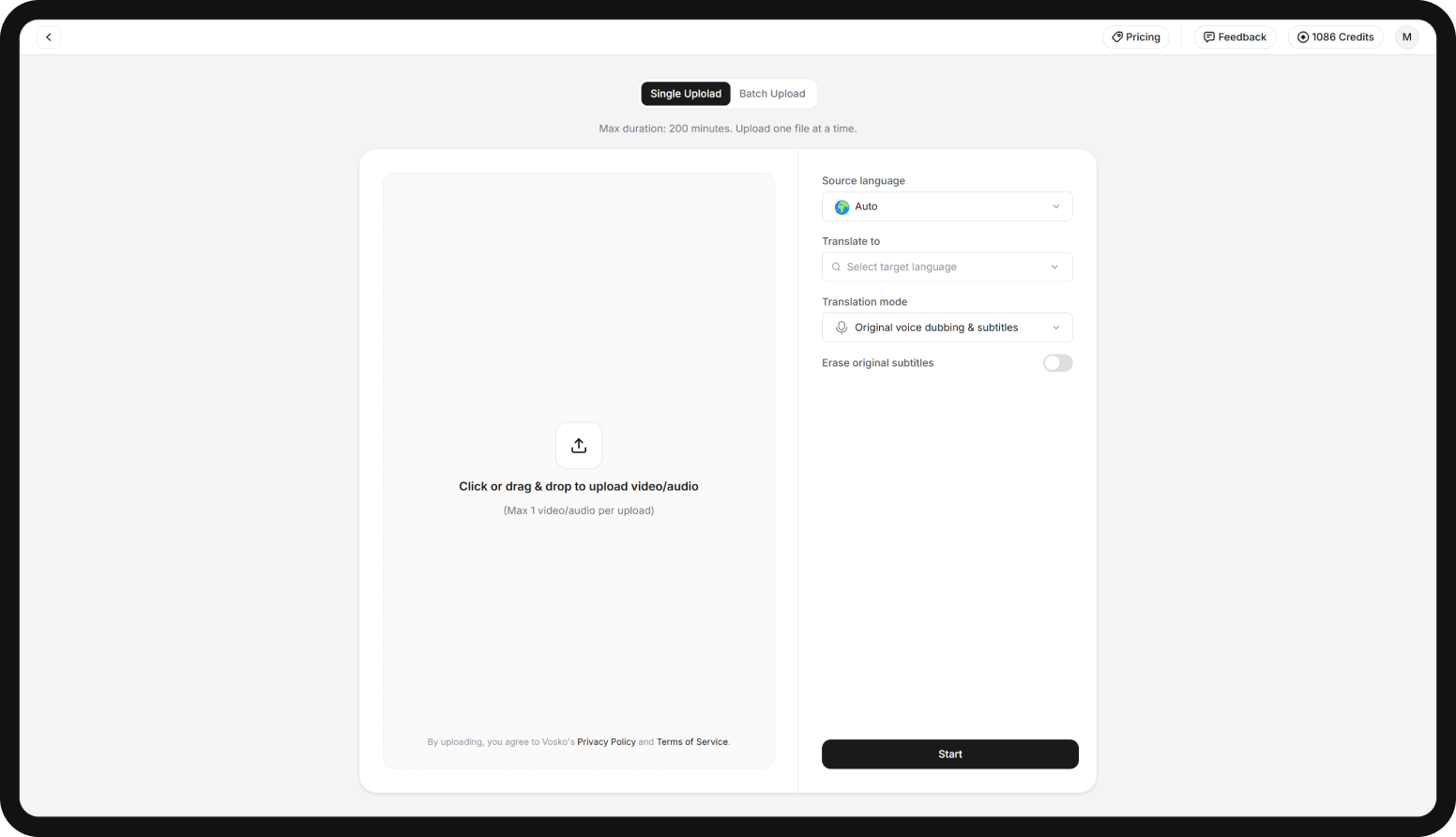
Add a video or audio file of up to 200 minutes, then pick Arabic to English and a mode.
Read every Arabic line beside its English version, then edit and re-dub what needs it.
Download the dubbed video, separate audio tracks or English subtitles, or all of them.

Publish English versions of Arabic reports and documentaries: subtitles for on-the-record quotes, a dub for longer features where every speaker stays recognizable.

Take Arabic launches, founder videos and ads to English-speaking investors and customers, and add a French version in the same task for North African markets. Marketing →
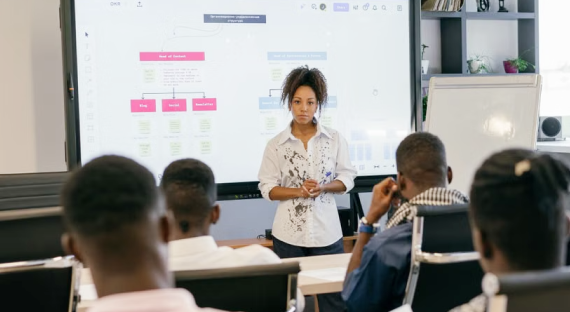
Share Arabic lectures, conference talks and training sessions with English-speaking colleagues and students in the presenter's own voice, no interpreter needed.
Make Arabic field interviews and campaign videos clear to international donors and partners in English, with every speaker still sounding just like themselves.
Dubbed, subtitled or both, in the voices of the people on screen. Upload your first Arabic video and review the English version before anyone else sees it.


