











Black Friday Up to 36% off View Pricing
NEW!

Flash Is Live: AI Dubbing as Low as $0.30/min

See Plans

Instagram Video Translator

Upload a Reel or any Instagram video and get it back in up to eight new languages at once. Vosko dubs the dialogue in your own voice, adds translated captions that fit a vertical screen, and lets you check every line before you post.

Same Voice, Different Language

Play the original, then switch to a translated version to see the voice and captions your viewers would get in their language.
0:00 / 0:00

What Vosko Does for Instagram Video

Instagram Videos in 94 Languages


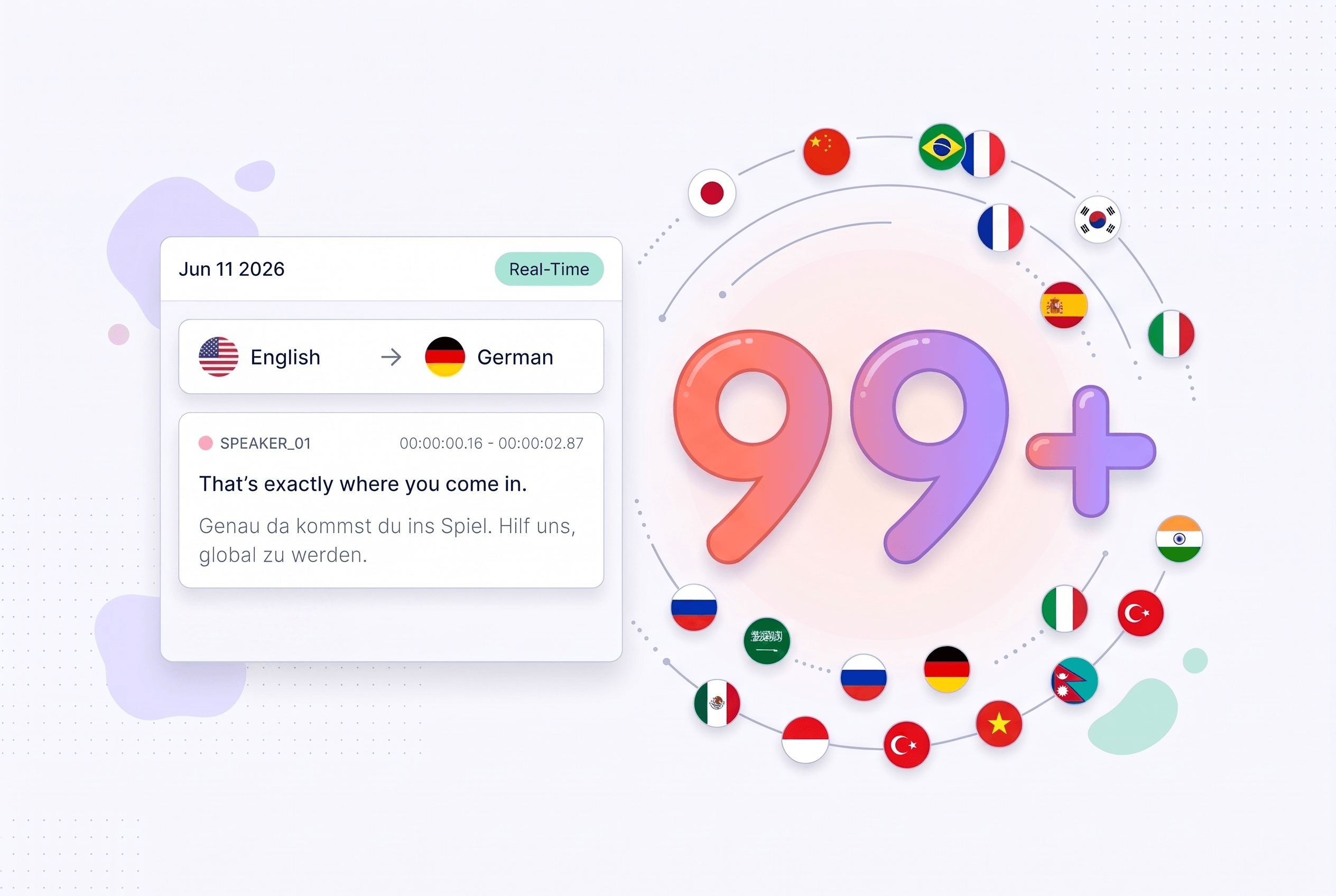
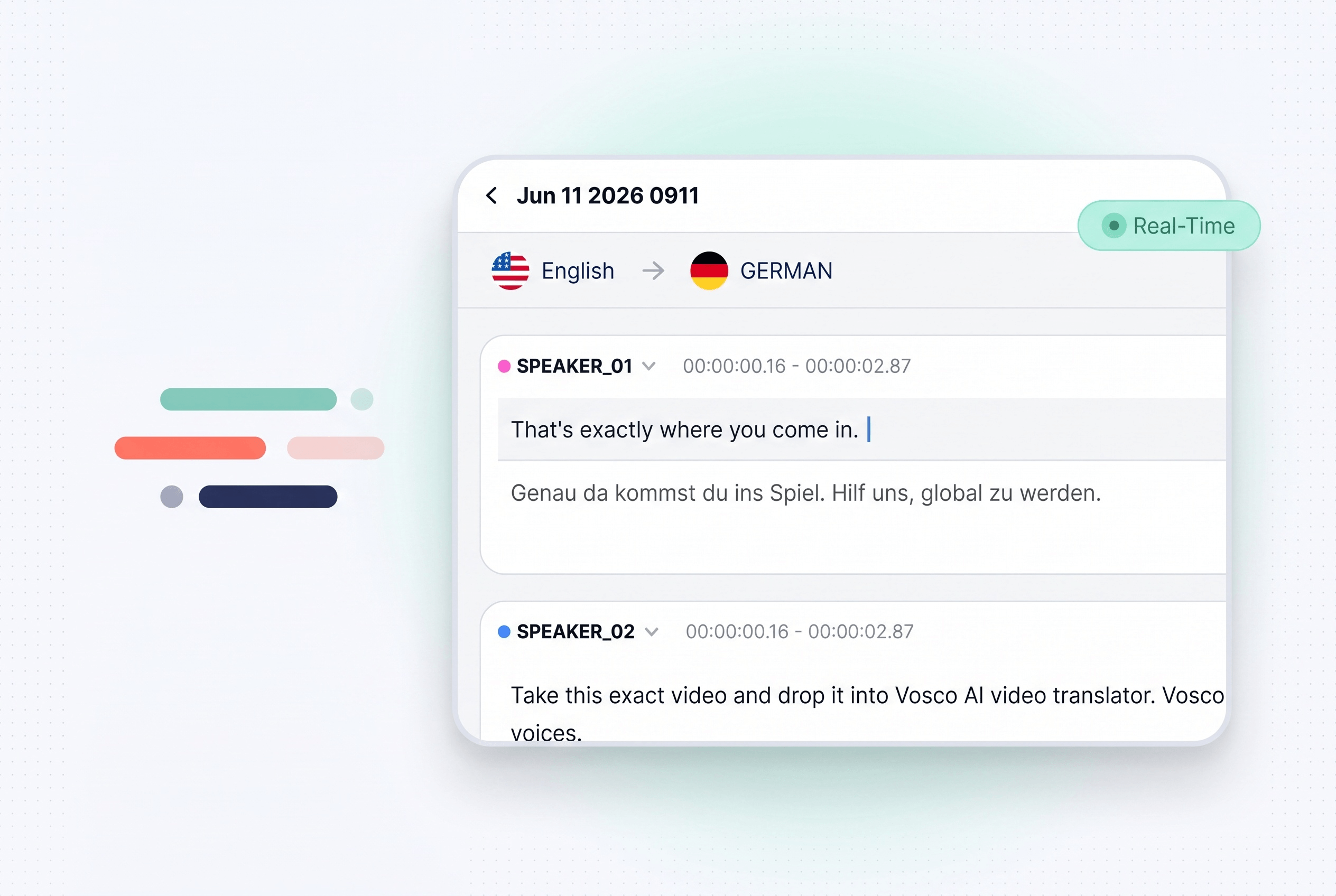
Upload a Reel, feed video, or Story you saved from your account and pick from 94 target languages, including Spanish, Arabic, Hindi, and Japanese. Run up to eight in one task, and Vosko builds a separate version of the video for each language.


  • 99 source and 94 target languages
  • Up to eight languages in one task
  • A separate video for each language
Instagram Videos in 94 Languages

Dub Your Reels in Your Own Voice


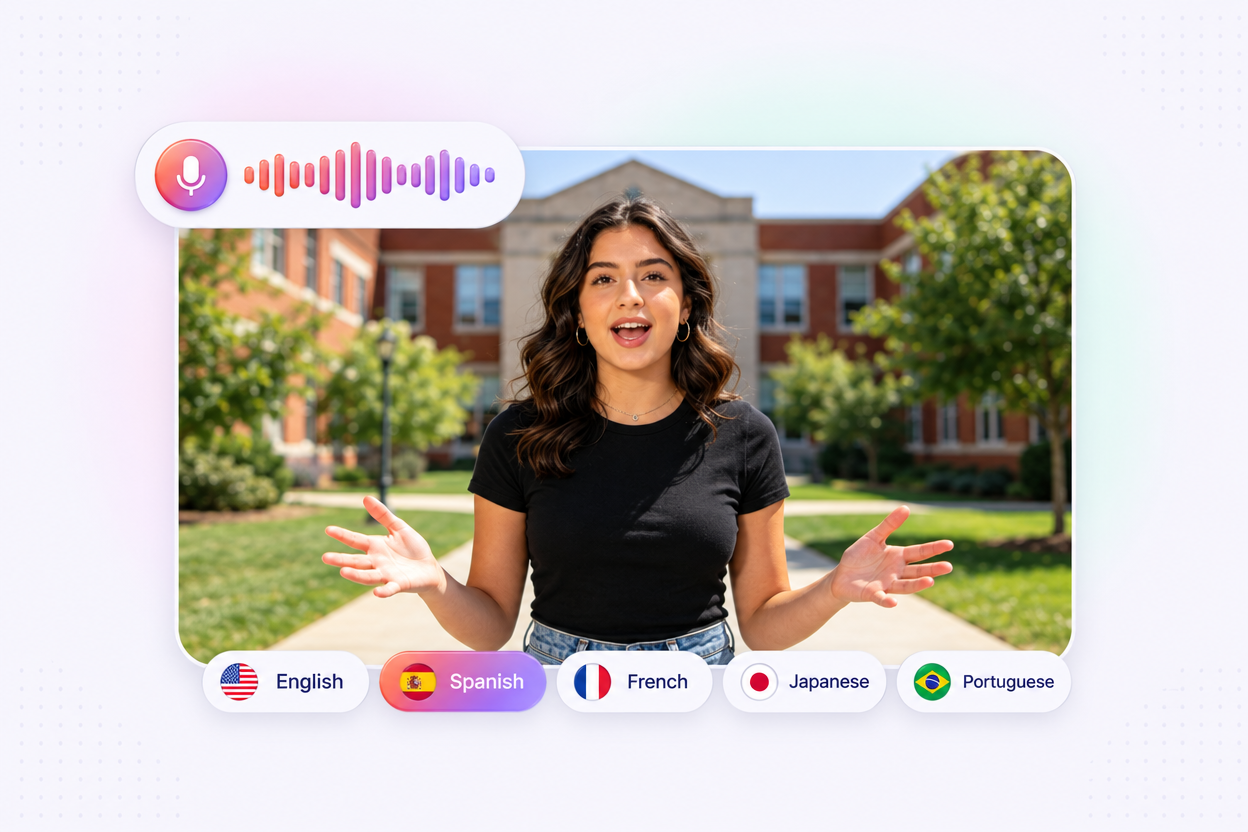
Viewers follow your Reels for you, not for a stock narrator. Original voice dubbing carries your voice and tone into each language and replaces only the speech, so the music, sound effects, and room noise in your clip stay where you put them.


  • Your own voice in every language
  • Music and sound effects stay in place
  • Each speaker keeps a distinct voice
Dub Your Reels in Your Own Voice

Translate Your Instagram Captions


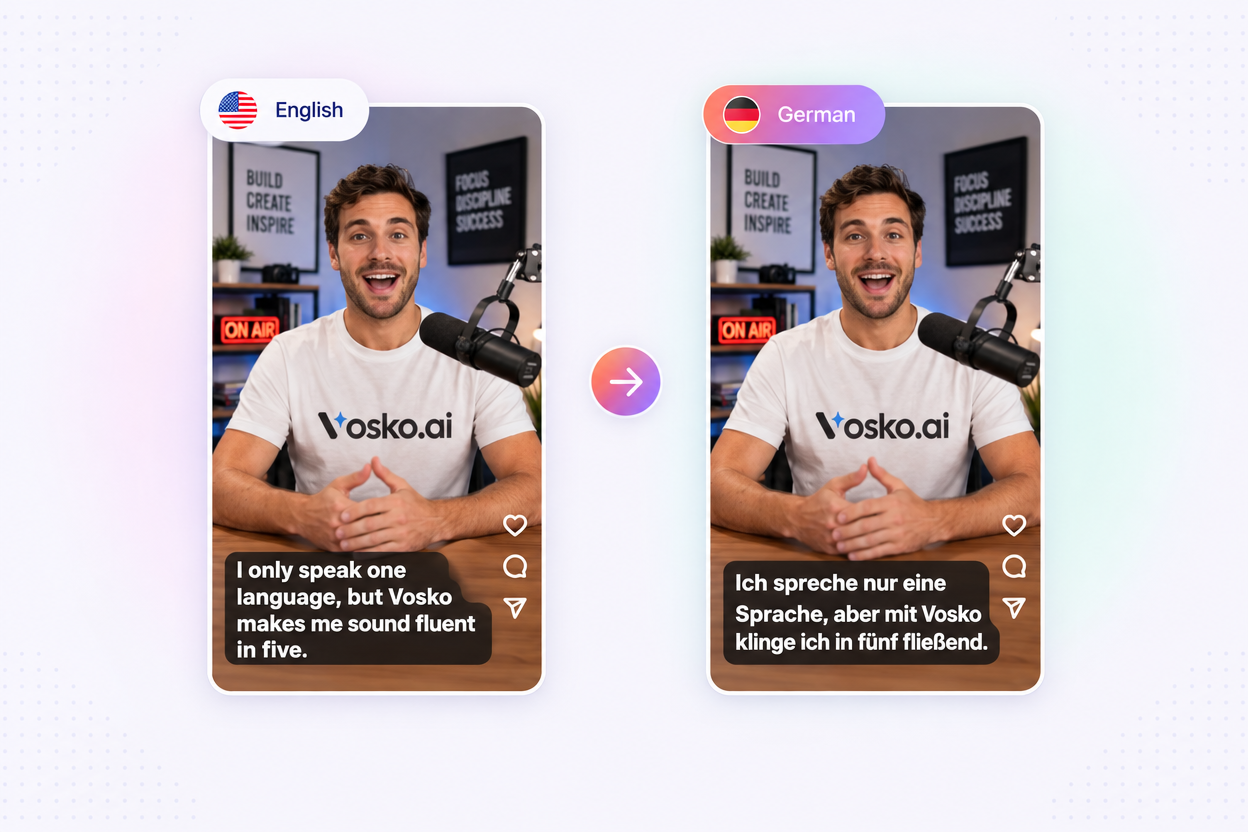
Vosko turns your speech into translated captions timed to each line. Style them for a vertical screen, keep them clear of the buttons on the right side of a Reel, and burn them into the video, or download them as SRT files to use elsewhere.


  • Captions timed to each spoken line
  • Set font, size, color, and position
  • Burn in, or export as SRT files
Translate Your Instagram Captions

Replace Captions Burned Into Video


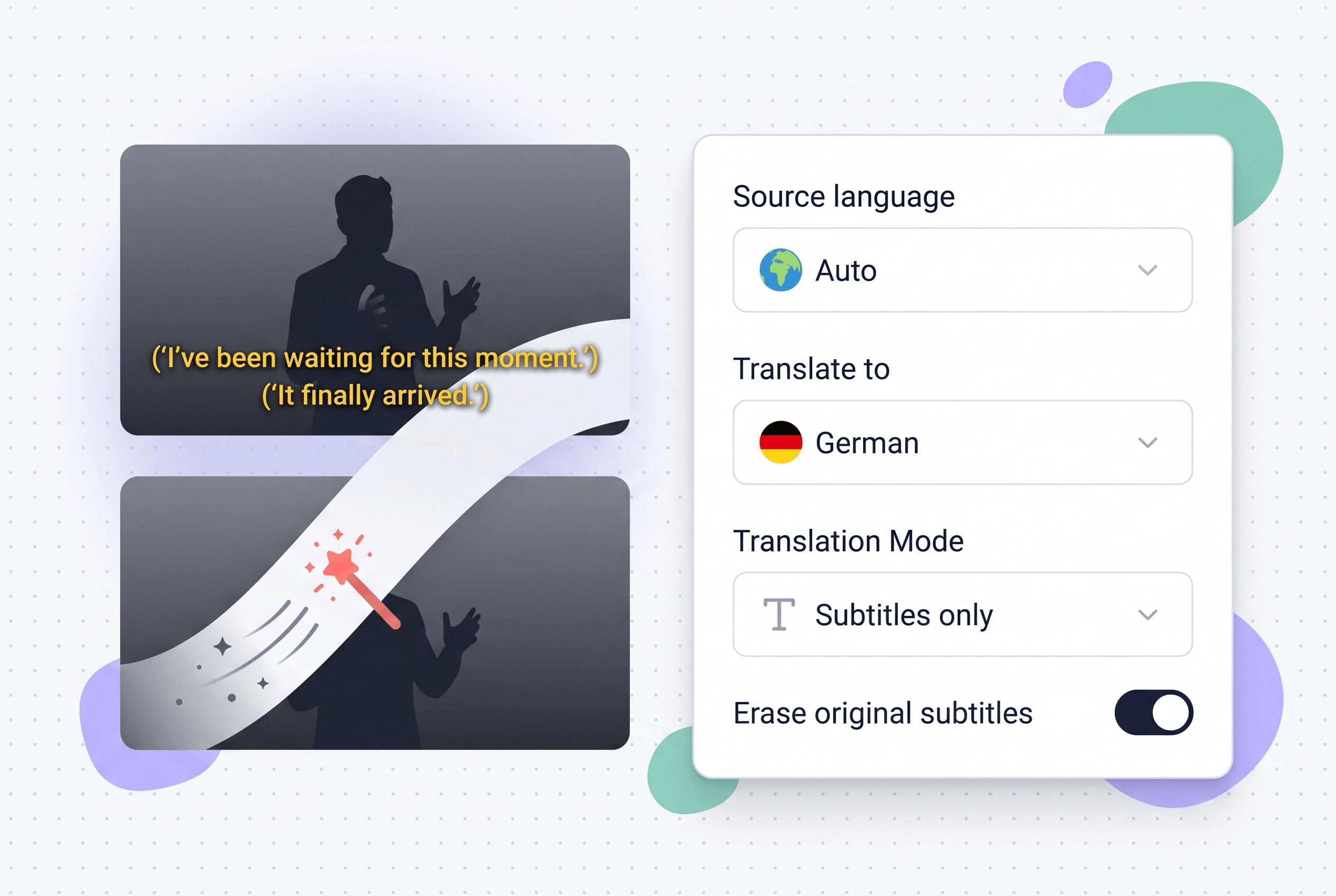
Many Reels go out with captions burned into the picture. Turn on the erase option at upload, and Vosko removes captions in the bottom subtitle area, then adds new ones in the target language. 


  • Erases captions in the bottom area
  • Works with captions in any language
  • Adds new captions in each language
Replace Captions Burned Into Video

Check the Script Before You Post


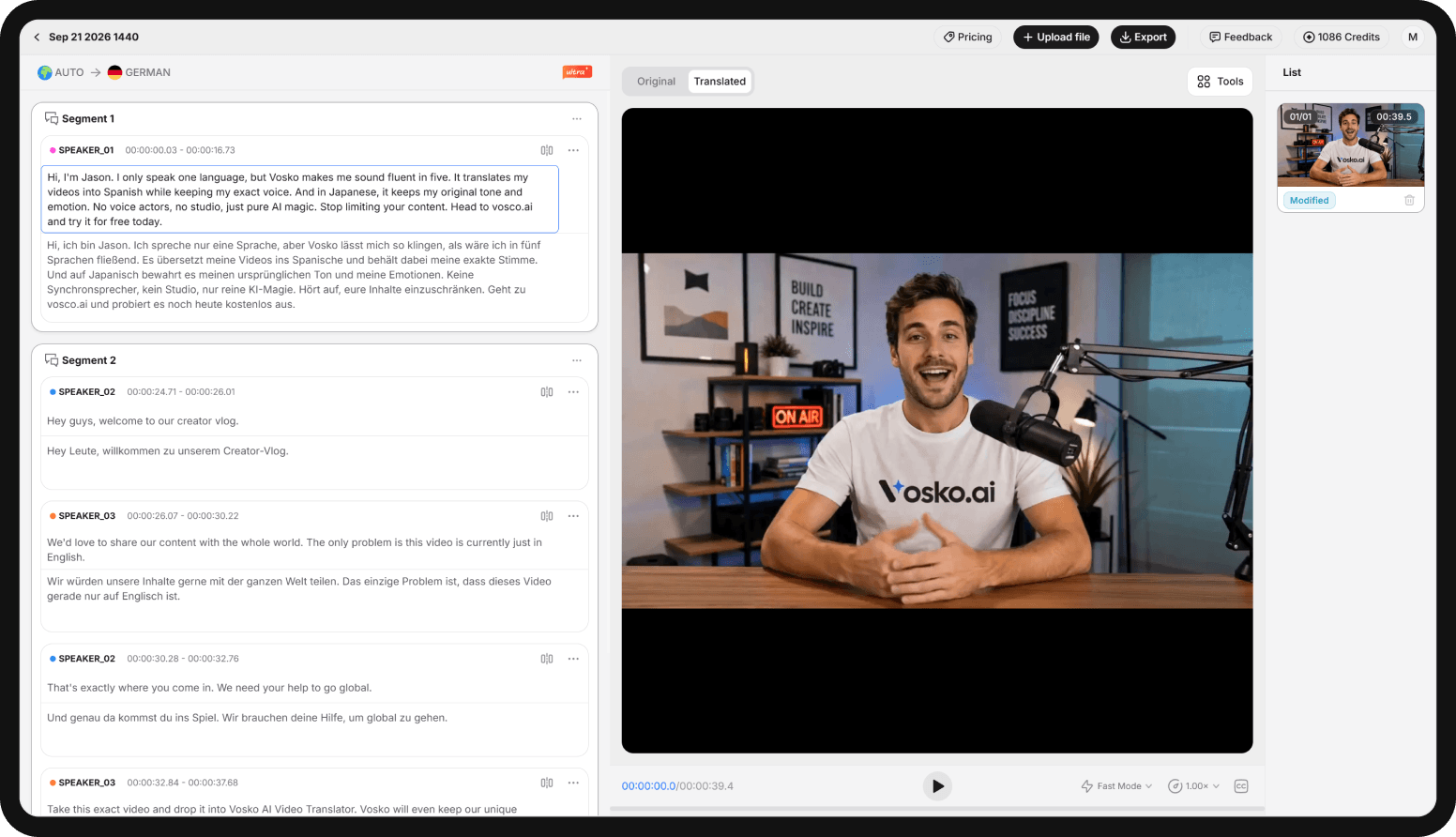
AI gives you a fast draft, and you decide what goes live. Edit any translated line, fix a brand or product name across the whole script with Word Replace, move a line to the right speaker, and adjust timing so each sentence lands on its cut.


  • Edit any translated line by hand
  • Fix a brand name everywhere at once
  • Adjust timing to match fast cuts
Check the Script Before You Post

Translate a Whole Series at Once


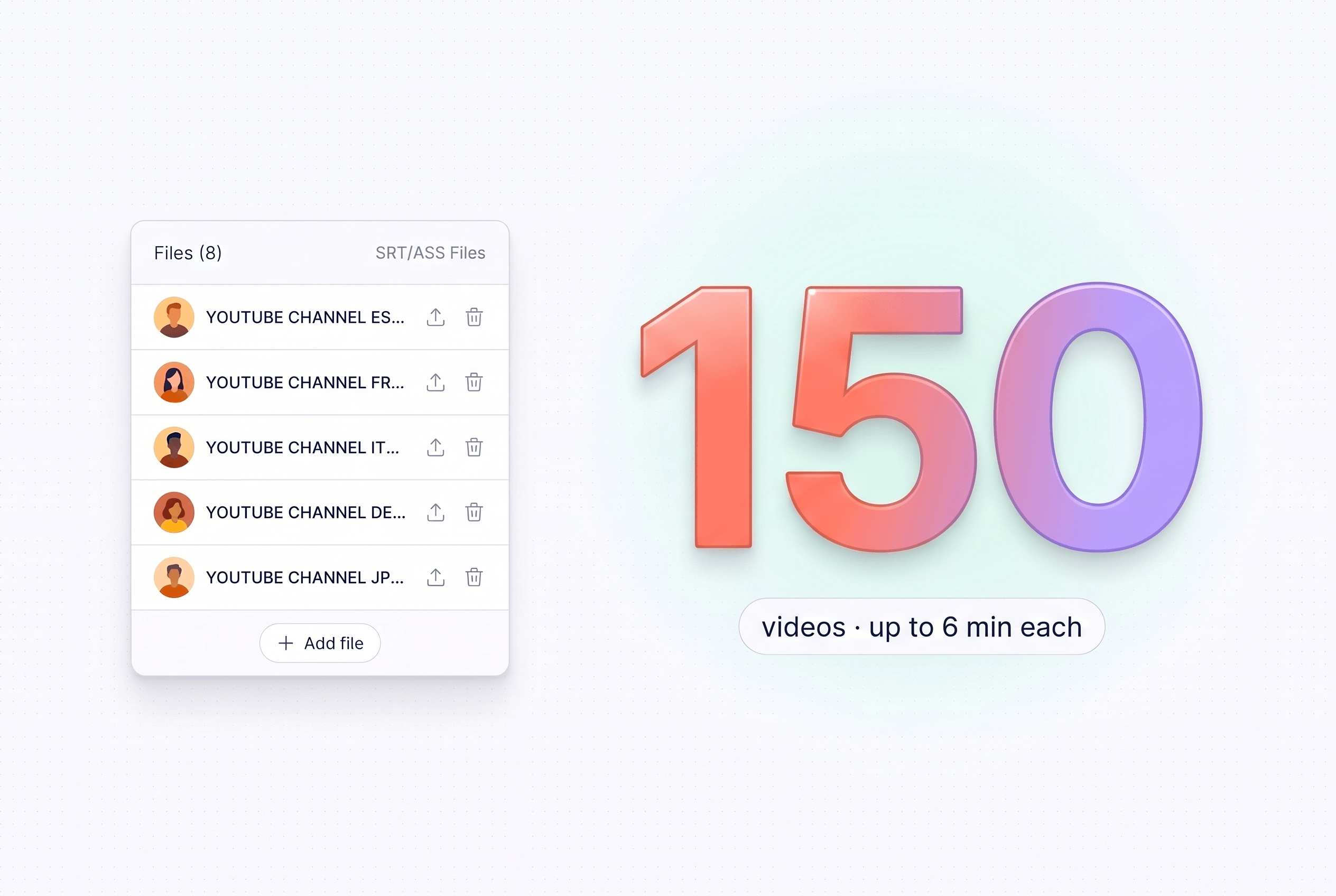
A Reels series or a backlog of short clips can go through in one batch. Upload up to 150 videos of six minutes or less, choose the languages once, and every clip comes back translated, so each market gets the full set at the same time.


  • Up to 150 videos in a single batch
  • Six minutes or less for each clip
  • One set of languages for every clip
Translate a Whole Series at Once

Instagram's Built-In Translations or Vosko?

Instagram now offers its own Meta AI translations for Reels. It's free and works inside the app, and it can sync lip movements, which Vosko doesn't do. Here is how the two compare, based on what Meta has published as of November 2026:

Meta AI translations on InstagramVosko
Supported languages14 languages on Instagram94 target languages, 99 source
Who can use it todayPublic accounts, where offeredAny video you own, any account
Speakers in one ReelOne speaker for now, per MetaSeveral, each in their own voice
Editing before postingApprove or discard the resultEdit lines, names, and timing
Lip sync for facesAvailable as an optional stepNot offered; audio changes only
Files you can keepVideo stays inside InstagramMP4, MP3, and SRT per language

Translate an Instagram Video in 3 Steps

Pick Languages and Mode
STEP 01

Upload a Video

Upload your video file, choose up to eight target languages, and pick dubbing with captions or captions only.

STEP 02

Review Each Line

Check the translated script and captions, fix any line or name, and adjust timing where a cut feels off.

STEP 03

Export and Post

Export a video for each language, or download audio and SRT files, then post each version to Instagram.

Frequently Asked Questions

Can I translate a Reel I'm watching?

Vosko is for videos you own. For someone else's Reel, use Instagram's own tools. Our guide on how to translate Instagram Reels explains.

Can I paste an Instagram link?

No. Upload the video file instead. Use the original export from your editor when you can, since it keeps the best quality.

Does Vosko translate my post text?

No. Vosko translates the speech and captions in the video itself. Translate the post caption separately before you publish each version.

Can I dub another creator's Reel?

Only with their permission. Voice dubbing uses the speaker's own voice, so get consent from everyone who speaks in the clip.

Will Vosko sync my lip movements?

No. Vosko changes only the audio, so in close-up talking shots, viewers still see your original mouth movements on screen.

Do dubbed Reels need an AI label?

Instagram asks creators to label realistic AI-generated audio. Check Instagram's current labeling rules before you post a dubbed Reel.

Post Your Next Reel in More Languages

Start with the Reel that did best on your account, translate it into the language your audience asks for most, and see how it lands.

  • GDPR purges guarantee your files never leak
  • CCPA compliance & SSL Secured Encryption
Vosko uses cookies to personalize your experience on our website. By continuing to use this site, you agree to our Privacy Policy. OK