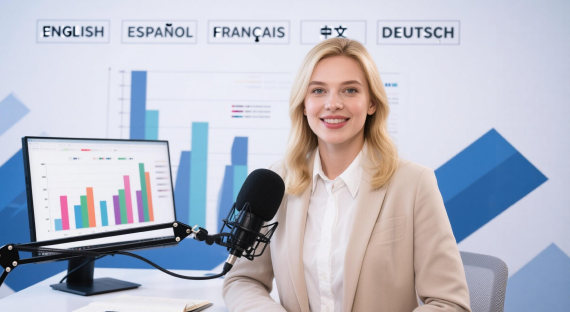

Batch Video Translation

Upload up to 150 videos or audio files at once, review translated versions together, make edits in one workspace, and export your localized content without processing every file separately.

Localize Multiple Videos Without Repeating the Same Steps

Vosko brings batch upload, multilingual translation, review, editing, and export into a single production flow. That makes it easier to turn a group of source videos into ready-to-publish localized versions.

Original videoEnglish
0:00 / 0:33
Translated and dubbed video
  • German
  • French
  • Italian
  • Portuguese
0:00 / 0:33

One Workflow for Batch Video Translation

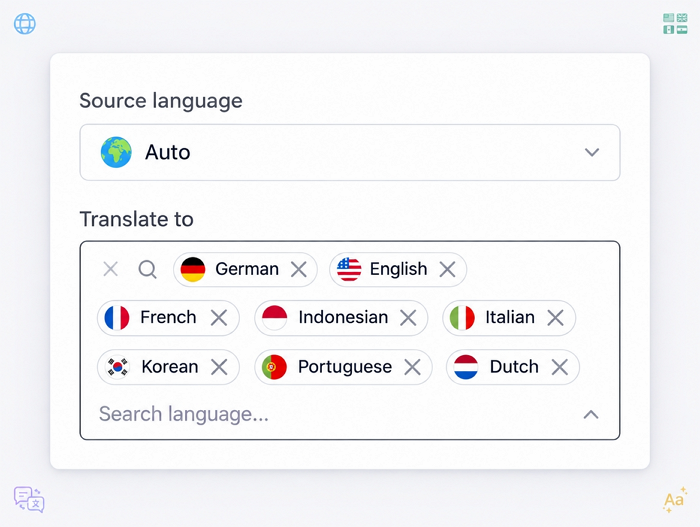
Translate Into 8 Languages at Once


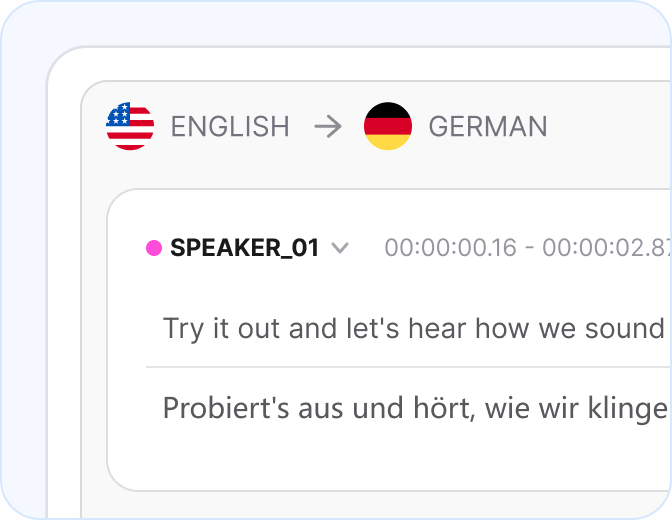
Translate each video into up to 8 target languages in the same batch. Choose the languages that matter most to your key markets instead of creating a separate translation workflow for each one.


For projects using any of Vosko's 19 core languages, Ultra mode provides enhanced voice quality and more natural emotional delivery.
Translate Into 8 Languages at Once

Upload Up to 150 Files


Have a larger content library to localize? Batch translation is built for video series, marketing campaigns, educational content, and other projects with multiple source files.


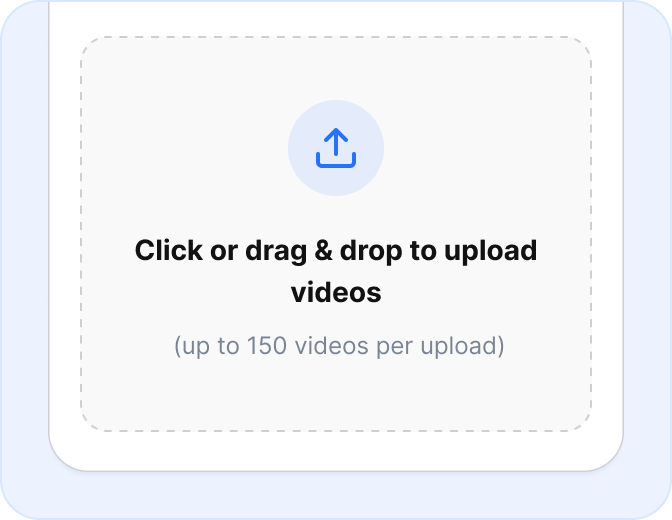
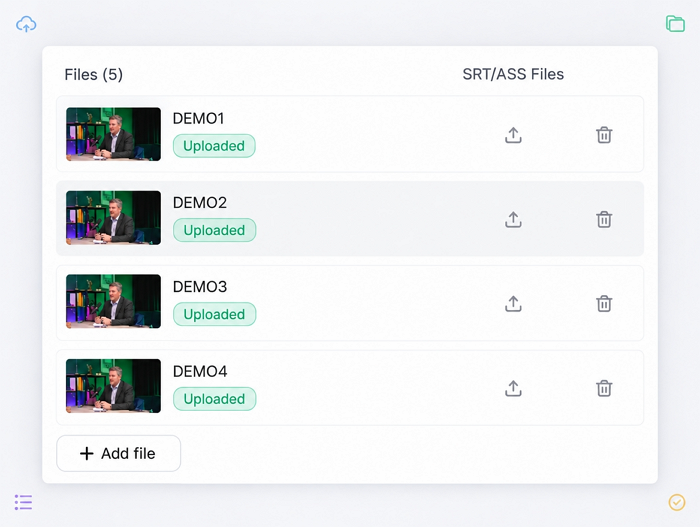
Upload up to 150 videos or audio files at once, with each file up to 6 minutes long, so content from the same project can be translated and managed together.

Upload Up to 150 Files

Review Every Language Together


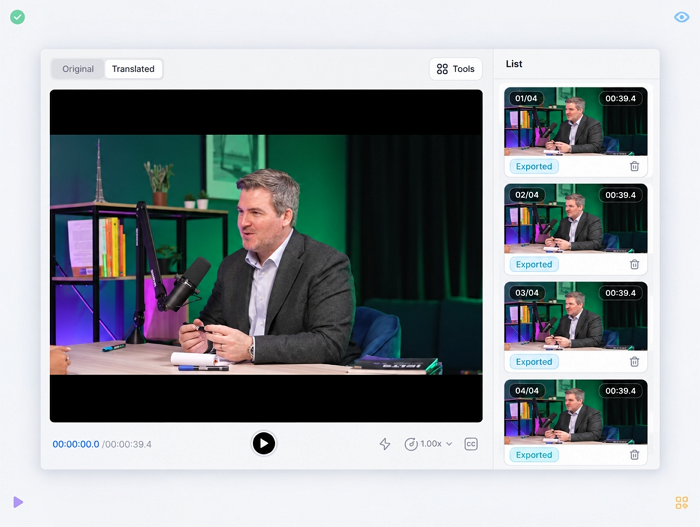
Reviewing multiple language versions does not require switching between separate projects or browser windows. Batch Preview brings your uploaded files and translated versions into one workspace.


Select a video from the list to preview its localized versions in the video player, then decide whether it is ready to export or needs further editing.

Review Every Language Together

Edit Multiple Videos Together


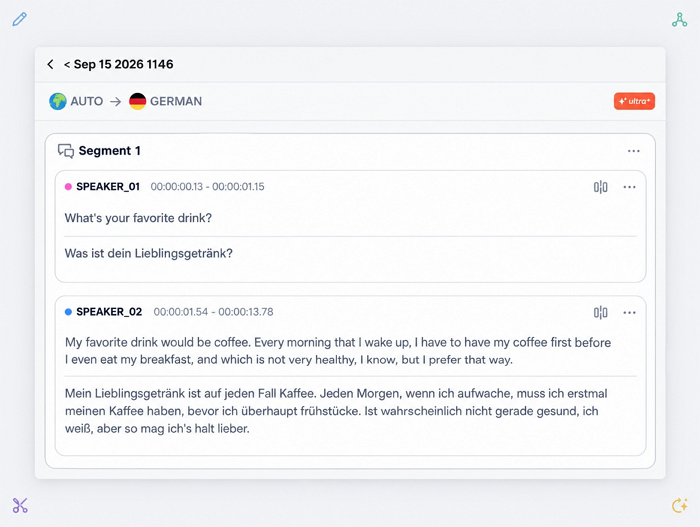
Translation usually needs a final review before publishing. Vosko Batch Editor lets you work through multiple videos from the same workspace, with tools to find and replace words, add, merge, or delete segments, and edit scripts manually.


When a translation needs another pass, you can also use AI Retranslation to regenerate the selected script and review the updated result before export.

Edit Multiple Videos Together

Vosko Batch Translation vs Traditional Translation

Traditional TranslationVosko Batch Translation
File preparationPrepare and send files individually to translators or translation teamsUpload up to 150 files together
Target LanguagesFind and coordinate separate translators or language teams for each target languageSelect up to 8 target languages in the same batch
TranslationEach language is translated separately by a different translator or teamTranslate multiple files across selected languages in one workflow
ReviewReview files and revisions separately for each languagePreview multiple translated versions in one workspace
EditingSend changes back to individual translators and review updated files againEdit translated scripts directly across multiple videos
CommunicationCoordinate questions, feedback, revisions, and file delivery across different people or teamsKeep translation tasks and revisions in one workspace
Turnaround TimeOverall delivery depends on translator availability, workload, and the number of languages involvedProcess multiple files and languages in minutes
CostCost $50.00 to $250.00+ per finished minuteCost between $0.37 and $2.97 per localized minute
ExportCollect and organize completed files from separate translators or projectsExport videos, audios, or subtitles together

How Batch Video Translation Works

Upload Your Videos

Open the Batch Upload tab and add your videos or audio files. You can upload up to 150 files, with a maximum length of 6 minutes per file.

Upload Your Videos

Review and Edit

Check the translated versions from batch preview window. Make script changes in the Editor before generating the final output.

Review and Edit

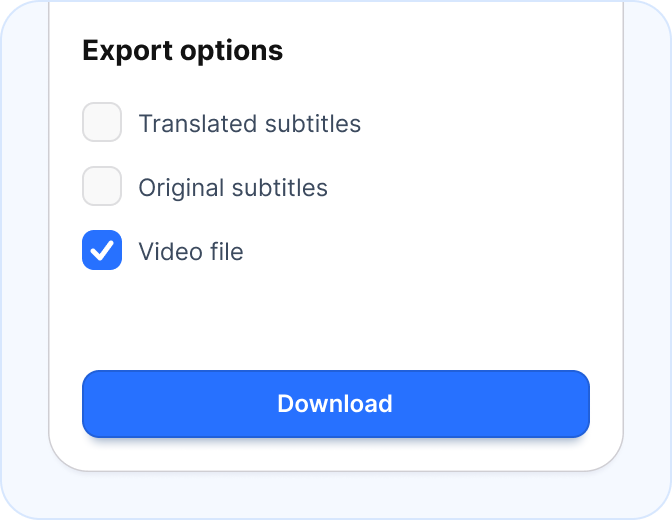
Export Your Videos

Export the completed localized videos and keep the files organized for publishing across your target markets.

Export Your Videos

Built for Multilingual Video Production

Content Creators

Content Creators

Translate video series, tutorials, interviews, and other recurring content without setting up a new project for every language.

YouTube Teams

YouTube Teams

Prepare multilingual versions of your YouTube content library when you want to reach gloabal viewers in several markets.

Marketing Teams

Marketing Teams

Localize product videos, campaign videos, and promotional videos in batch from the same source material for global markets.

Localization Teams

Localization Teams

Review and manage multilingual videos in a consistent workflow instead of coordinating separate translation tasks for each file.

Everything You Need to Know

What is batch video translation?

Batch video translation lets you translate multiple videos or audio files together instead of creating a separate translation project for each file.

How many files can I upload at once?

You can upload up to 150 videos or audio files in one batch. Each file can be up to 6 minutes long.

How many languages can I translate into at the same time?

Vosko supports up to 8 target languages in a single batch.

Can I check the translations before exporting?

Yes. Batch Preview lets you review the translated versions before you export the final files.

Can I translate audio files as well as videos?

Yes. Batch translation supports both video and audio files.

What types of content work well with batch translation?

Batch translation is useful for video libraries, YouTube content, marketing campaigns, educational content, product videos, and other video projects that require the same source videos in multiple languages.

Translate Multiple Videos Simultaneously

Translate more of your existing videos without managing every video as a separate project.

  • GDPR purges guarantee your files never leak
  • CCPA compliance & SSL Secured Encryption
Vosko uses cookies to personalize your experience on our website. By continuing to use this site, you agree to our Privacy Policy. OK