HeyGen is best known for AI avatars, but its video translator is one of the most popular tools for dubbing existing footage. Vosko is built only for video localization. So which one should you use to translate the videos you already have?
We ran two clips through both tools: a 37-second English ad with nine speakers and a one-minute, two-person interview. Both were translated into German.
HeyGen produced the more polished result on camera, with convincing lip sync and relaxed pacing. Vosko kept every speaker's voice correct and let us fix the output afterward, which HeyGen's lower plans don't allow at all.
Disclosure: Vosko publishes this comparison. We separate test findings from official product claims and note where HeyGen performed better.
Choose HeyGen if lip sync matters, your videos are short, and you're comfortable publishing what the AI generates. Its per-minute pricing is also lower.
Choose Vosko if your videos have several speakers, run longer than 30 minutes, or need corrections after translation. Vosko's editor was fully available on the Creator plan we used, while HeyGen limits script editing to Pro and above.
| Vosko | HeyGen | |
|---|---|---|
| Wrong voices in our 9-speaker ad | None | One woman dubbed in a male voice, across two different voices |
| Lip sync | Not supported | Supported, and convincing in our interview test |
| Pacing of longer German lines | One line sounded rushed | Relaxed, using Dynamic Duration |
| Edit the script after translation | Yes | No; script editing before generation on Pro and above |
| Max length per video | 200 min (Creator and above) | 1 min free, 30 min Creator and Pro, 60 min Business |
| Batch upload | Up to 150 videos | Not available in our test |
| Upload from a link | No (local files) | YouTube and Google Drive |
| Entry paid plan (monthly) | Starter, $11.50 | Creator, $29 |
We tested both tools in October 2026 with two English source videos, each translated into standard German. Neither video had burned-in subtitles.
Vosko ran on the Creator plan. German is one of Vosko's Ultra Mode languages, so both projects used Ultra Mode automatically.
HeyGen ran on the Free plan. For Clip A, we chose audio-only dubbing, which translates without lip sync. For Clip B, we used the Speed engine with lip sync on. Both HeyGen projects had Dynamic Duration turned on and background sound left in. We didn't tell HeyGen how many speakers each clip had.
Because we didn't test HeyGen's paid plans, we couldn't try its Precision engine or its script proofreading. Where we describe those, we rely on HeyGen's documentation. These are two short clips in one language direction, so treat the results as a practical snapshot rather than a benchmark.
This was the most important difference in our test. Vosko gave each of the nine speakers in Clip A the right voice throughout.
HeyGen handled most of the ad smoothly, but at about the 20-second mark, a woman's line came out in a male voice. She speaks twice, and her two lines were dubbed with two different voices.
In an ad, that's the kind of error a viewer notices immediately. On HeyGen's Free and Creator plans, there's also no editor to correct it, so the only option is to regenerate or re-edit the video elsewhere.
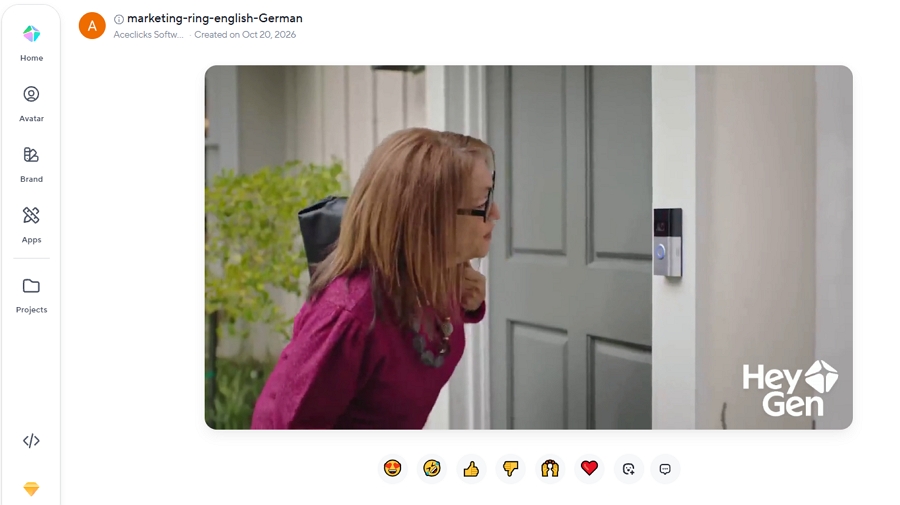
Both tools handled the two speakers in Clip B correctly.
The two tools were evenly matched here. Both translated a standalone "sorry" into German, which Perso AI had left in English in our earlier test. Both kept the speakers' hesitation sounds, such as "um" and "uh," and neither produced mechanical-sounding pronunciation.
Voice similarity, emotional tone, and background music came through well in both tools, as did the handoffs between speakers.
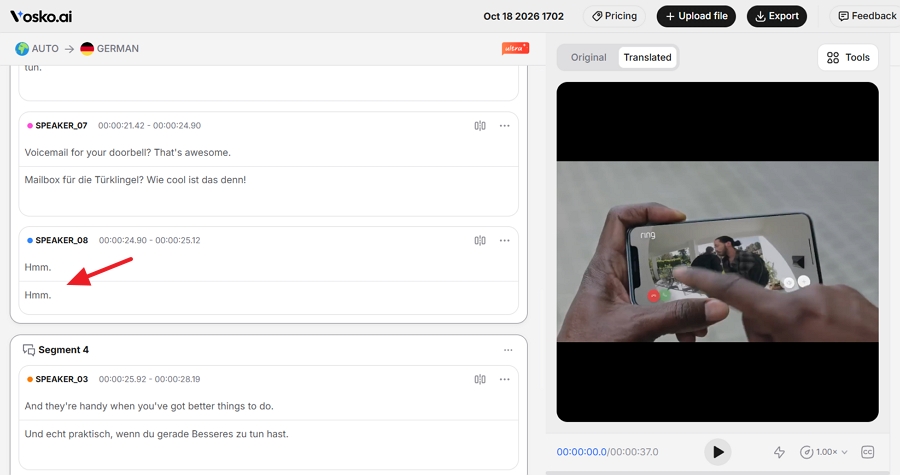
HeyGen's German sounded more relaxed. That comes largely from Dynamic Duration, a setting that lets HeyGen slightly lengthen the video so longer translated lines don't have to be squeezed in. Our 37-second ad came back at 42 seconds, but we couldn't spot where the extra time was added.
Vosko keeps the original length. In the same Vosko output we used for our Perso comparison, one longer German line sounded noticeably rushed.
If your video has to match a fixed slot, like a 30-second ad, keep in mind that Dynamic Duration changes the runtime. You can turn it off, but we didn't test HeyGen's pacing without it.

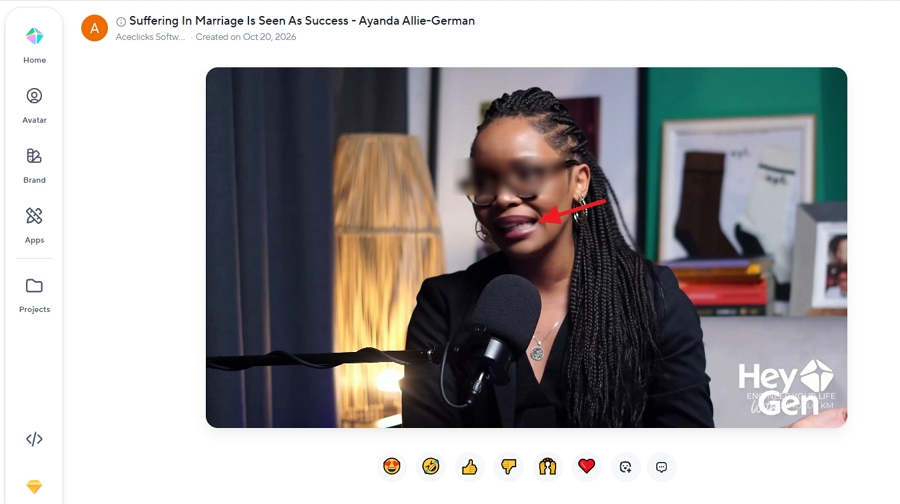
Vosko doesn't offer lip sync, so this is HeyGen's category to win, and it did. On Clip B, the speakers' mouth movements matched the German audio, and the result held up when they turned their heads.
It wasn't flawless. For a few seconds, the mouth area looked visibly blurred. Most viewers would still accept the clip as natural, but it's worth checking close-ups before publishing.
We only tested HeyGen's Speed engine, since Precision requires a paid plan. HeyGen says Precision handles harder footage, such as side angles, heavy head movement, and objects covering the face.
Lip sync also affects cost on paid plans. According to HeyGen's help center, translation without lip sync uses 4 credits per minute, Speed lip sync uses 6, and Precision uses 10.
If your content is mostly on-camera presenters, this alone may decide the comparison in HeyGen's favor. For voiceovers, screen recordings, or fast-cutting ads where faces are small or brief, lip sync matters much less.
This is where the two tools differ most. HeyGen is designed to translate and deliver. Vosko assumes you'll review the result and fix what's wrong.
On HeyGen's Free and Creator plans, there is no script editor. Once a translation is generated, you can't change the wording, timing, or voices. After generation, HeyGen offers add-ons such as watermark removal, upscaling, AI clipping, and a new thumbnail, but not script changes.
HeyGen's Pro, Business, and Enterprise plans add a proofreading step before generation. According to HeyGen, it shows the source and translation side by side and supports search and replace, timing changes, and voice swaps. We didn't test it.
| Editing task | Vosko (Ultra Mode, Creator) | HeyGen (Free; same on Creator) |
|---|---|---|
| Edit source and translated text | Yes | No |
| Batch find and replace | Yes | No |
| Adjust segment timing | Yes | No |
| Add, delete, merge, or split segments | Yes | No |
| Fix speaker labels | Yes | No |
| Reuse one speaker's voice for another | Yes | No |
| AI retranslation | Not in Ultra Mode | No |
The voice-copy tool in Vosko is the direct fix for the kind of error HeyGen made in our ad. If a speaker gets the wrong voice, you can copy the correct voice from another speaker and apply it.
Vosko's Ultra Mode doesn't include AI retranslation, so wording changes are made by hand. Vosko says AI retranslation is available for its other dubbing languages.
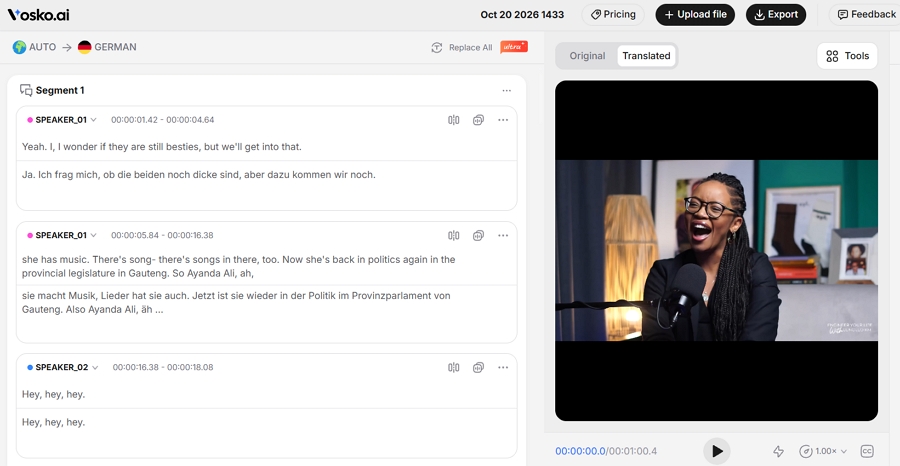
Both tools generate translated subtitles and can burn them into the exported video. Vosko shows them in its preview player, while HeyGen didn't display them in preview.
Export formats differ. HeyGen exports SRT files. Vosko currently exports ASS subtitle files; SRT export isn't available yet. If your publishing workflow requires SRT, check this before choosing Vosko.
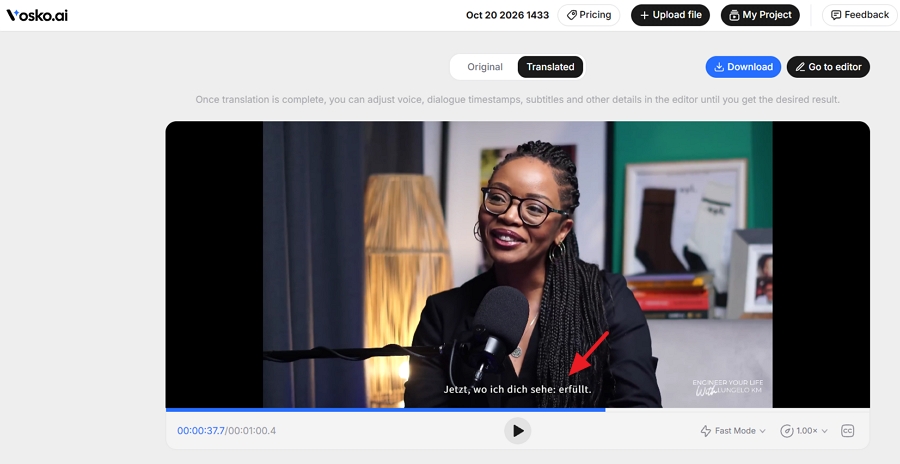
HeyGen offers more ways to bring in a video: local files, earlier uploads, YouTube links, and Google Drive links. Vosko's translation workflow accepts local files only.
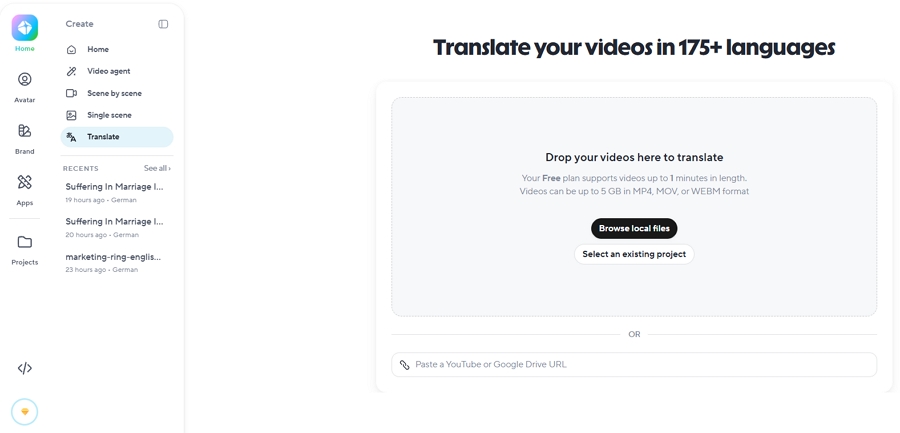
HeyGen also has more setup options before you translate, including a brand glossary for consistent terminology and the option to invite reviewers. The glossary isn't available on the Free plan. Vosko doesn't currently offer either feature.
Both tools show progress during processing, let you leave the page, and send an email when the video is ready.
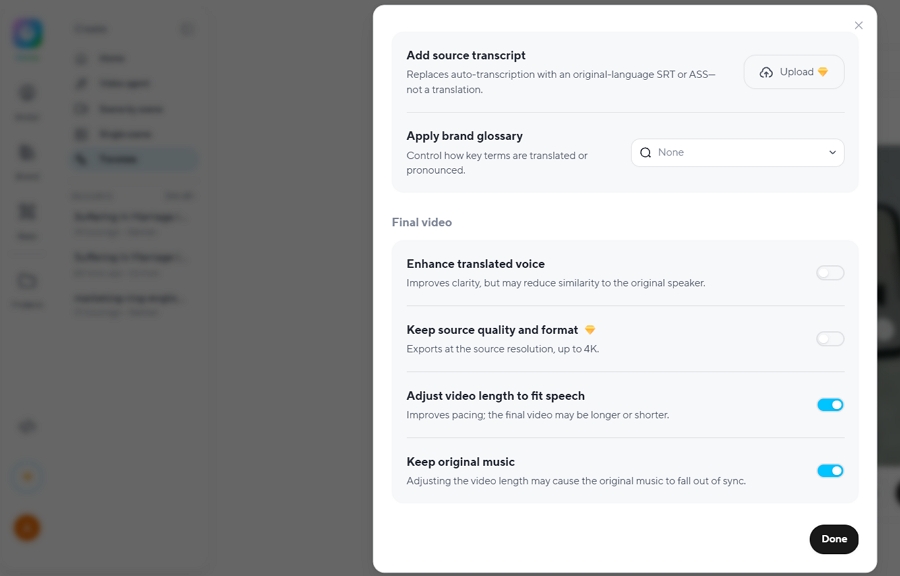
One thing slowed us down in HeyGen. From a project or the project list, getting back to the translation dashboard took two steps: open Home, then select Translate again.
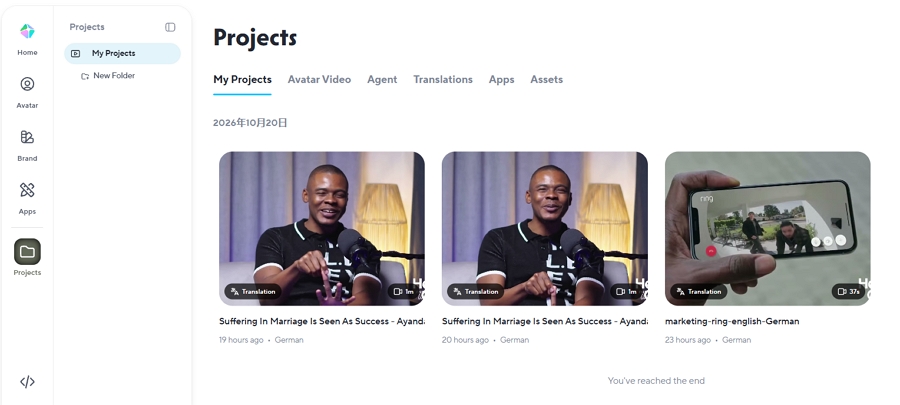
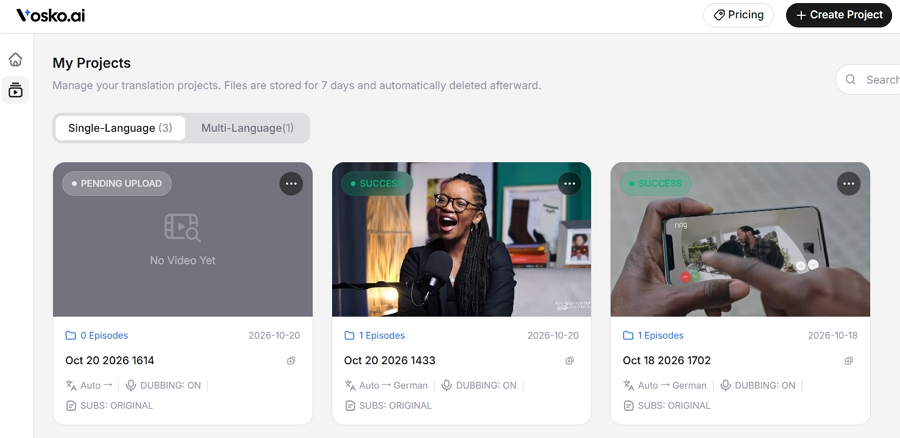
Vosko keeps a shortcut to its translation dashboard on those screens.
HeyGen's avatar features live in separate sections and didn't get in the way of translation.
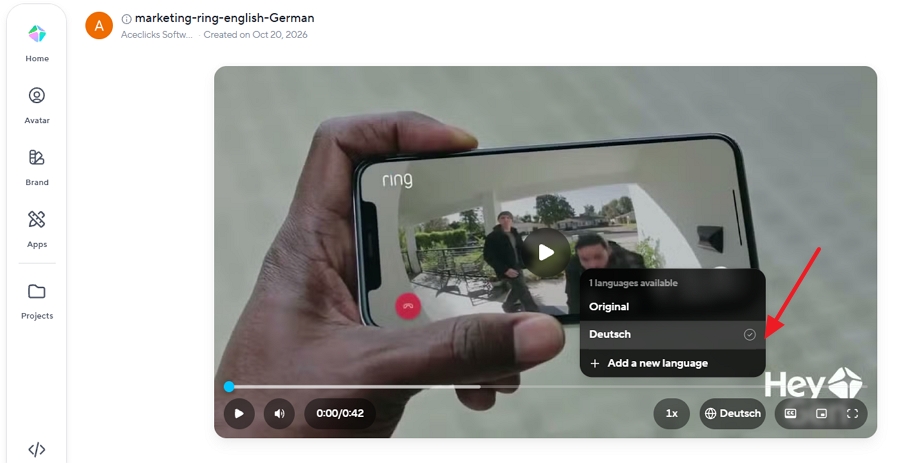
When you translate into several languages at once, HeyGen can group them into a collection with a player that switches between languages. Vosko lists each language as a card in its side panel, and you click a card to switch.
HeyGen's free plan is generous for a first look. We could translate up to three videos a month, each up to one minute, and even try lip sync. Exports carry a watermark. The brand glossary, transcript upload, script proofreading, and voice switching are locked.
Vosko's free plan gave us 200 credits, which covered about 2 minutes and 50 seconds of dubbing across any number of videos. Exports carry a watermark, there's no lip sync, and batch upload is locked.
HeyGen charges credits per generated minute, and the rate depends on whether lip sync is on. Vosko's plans list dubbing minutes directly. Prices below are monthly.
| Plan | Monthly price | Translation per month | Max per video |
|---|---|---|---|
| HeyGen Creator | $29 | 600 credits: 150 min without lip sync, 100 min Speed, 60 min Precision | 30 min |
| HeyGen Pro | From $49 | 1,000 credits: 250 / 166 / 100 min | 30 min |
| HeyGen Business | $149 | 1,500 credits: 375 / 250 / 150 min | 60 min |
| Vosko Starter | $11.50 | 15 min | Not published |
| Vosko Creator | $31.50 | 45 min | 200 min |
| Vosko Pro | $94.50 | 150 min | 200 min |
| Vosko Studio | $154.50 | 300 min | 200 min |
On price per minute, HeyGen is clearly cheaper. On the Creator plans, HeyGen works out to roughly $0.19 per minute without lip sync and $0.29 with Speed lip sync. Vosko Creator is about $0.70 per minute. HeyGen's credits are shared with its avatar and other video features, so translation competes with everything else you make there.
The trade-off is control. To correct a HeyGen translation before it's generated, you need Pro or above. On Creator, what HeyGen generates is what you get.
Sources: HeyGen plans and credits and Vosko pricing.
Vosko accepts single videos up to 200 minutes on Creator and above. HeyGen caps translations at 30 minutes on Creator and Pro and 60 minutes on Business, so a long course or webinar has to be split first.
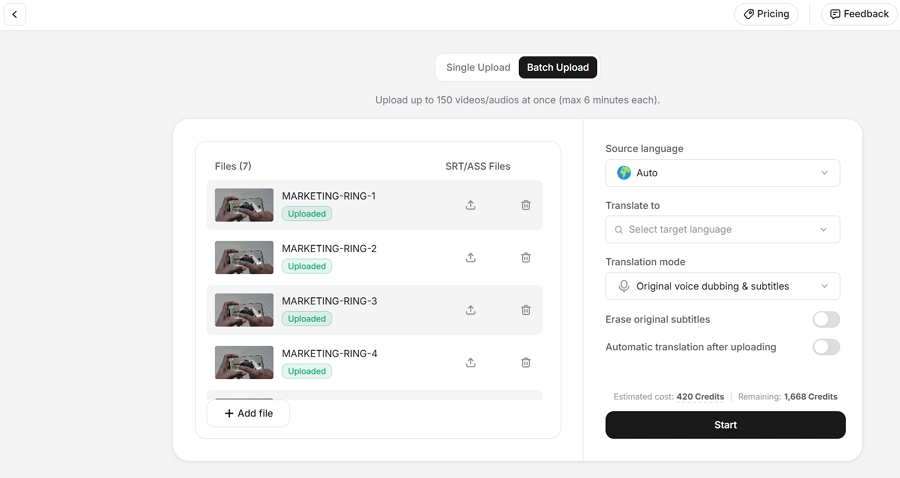
Vosko's batch upload handles up to 150 videos of six minutes or less at once on any paid plan. We didn't find a batch upload option in HeyGen's translator.
HeyGen supports more target languages: 30+ on the free plan and 175+ languages and dialects on paid plans. Vosko dubs into 94 languages.
HeyGen was faster on the ad: about 2 minutes for audio-only dubbing, versus about 5 minutes in Vosko. On the one-minute interview, both took about 3 minutes, with HeyGen also generating lip sync.
HeyGen is the stronger fit if:
Vosko is the stronger fit if:
Not on the Free or Creator plans. HeyGen's Pro, Business, and Enterprise plans let you proofread and edit the translated script before generating the final video.
No. Vosko focuses on preserving each speaker's original voice, emotion, and background audio. Lip sync is on Vosko's roadmap but isn't available yet.
HeyGen, per minute. Its Creator plan covers up to 150 minutes of translation without lip sync for $29 a month. Vosko's Creator plan includes 45 minutes for $31.50, along with its editor and a 200-minute limit per video.
Yes. In our tests, HeyGen kept the speakers' voices and emotional tone. The exception was the speaker in our ad who was given the wrong voice.
HeyGen is the better pick for polished, short, on-camera videos. Its lip sync was convincing, its pacing felt natural, and its per-minute pricing is hard to beat.
Vosko is the better pick when accuracy and control matter more than lip sync. In our nine-speaker ad, it kept every voice right, and its editor lets you fix what any AI dubbing tool can still get wrong.
If your videos have several speakers or need review before publishing, try Vosko free with a multi-speaker clip and compare the results yourself.